Uploads local Media
Select files and folders from your computer and send them into Framebird without treating every delivery like a separate browser task.
Download Framebird Desktop for macOS. Faster transfers, fewer retries, and less waiting
Supports macOS 10.15+
v2.25.15 ·



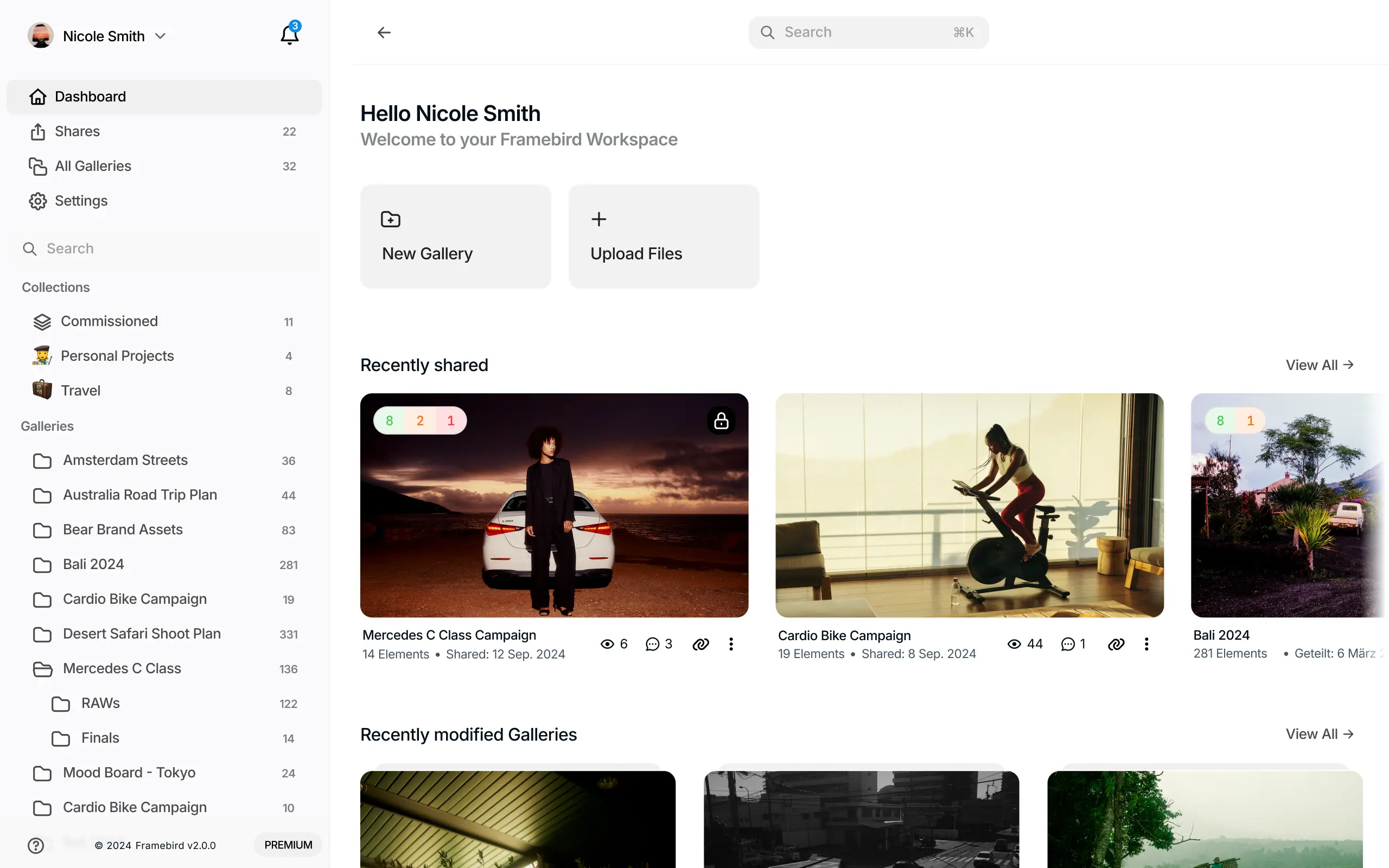
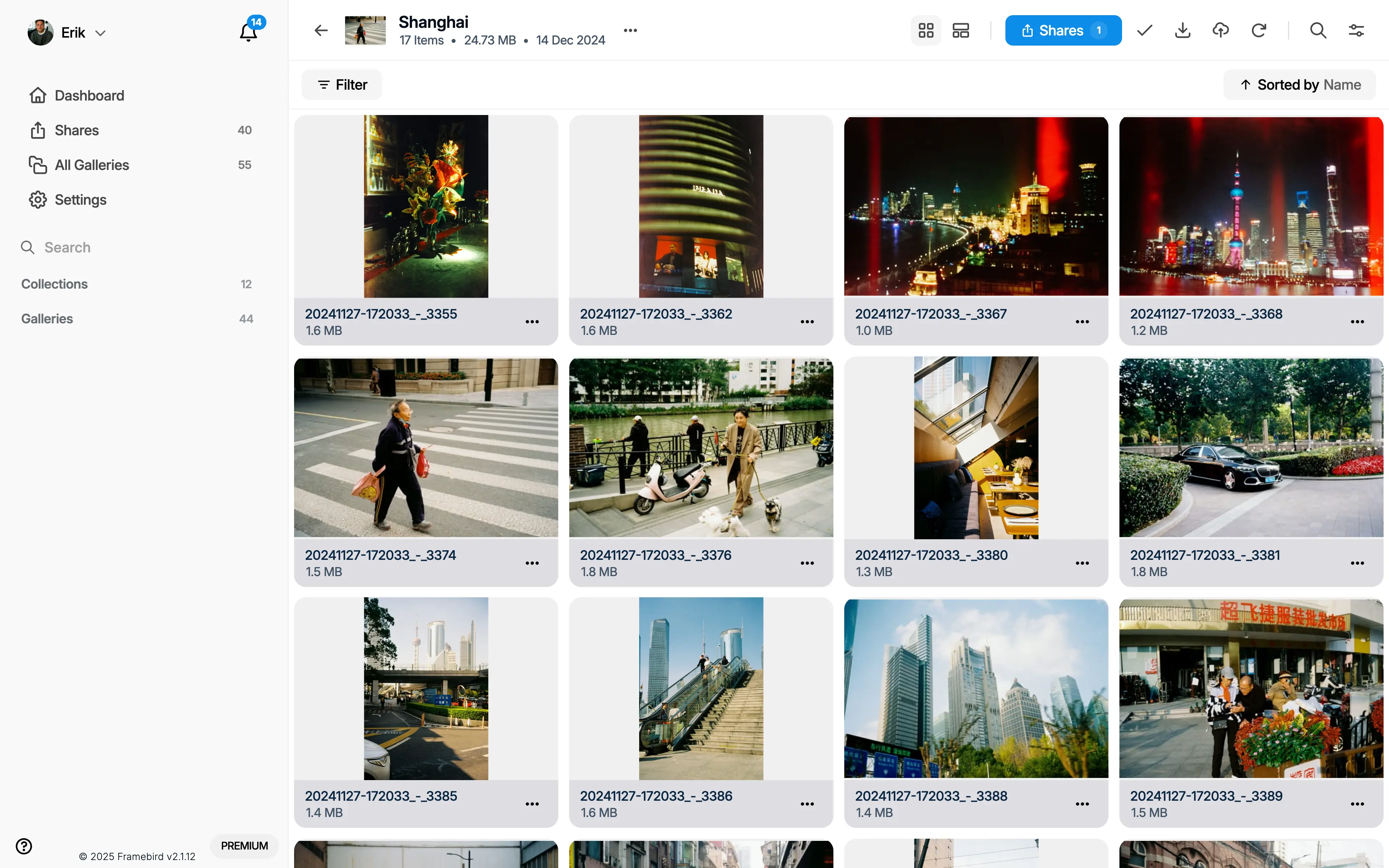
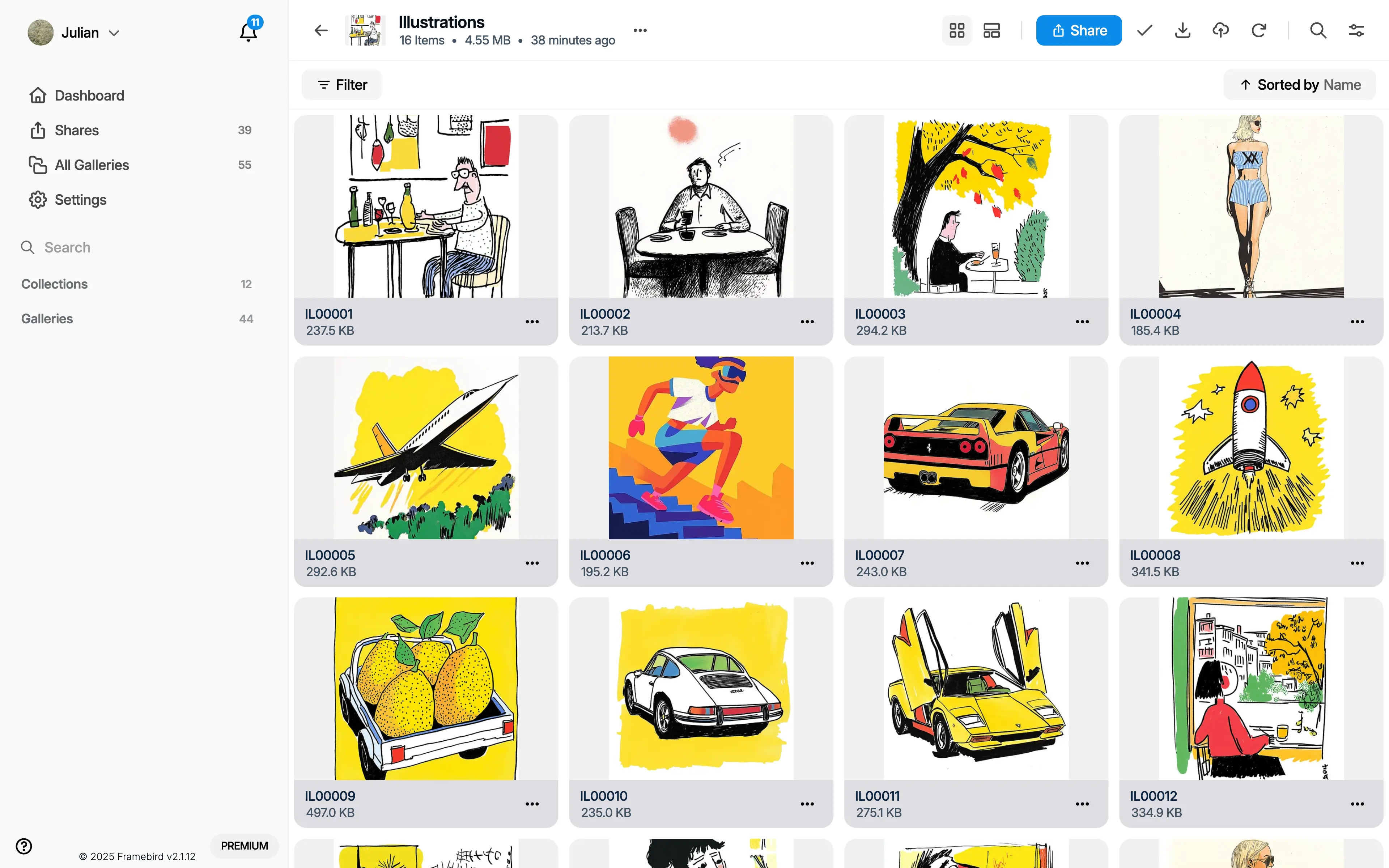
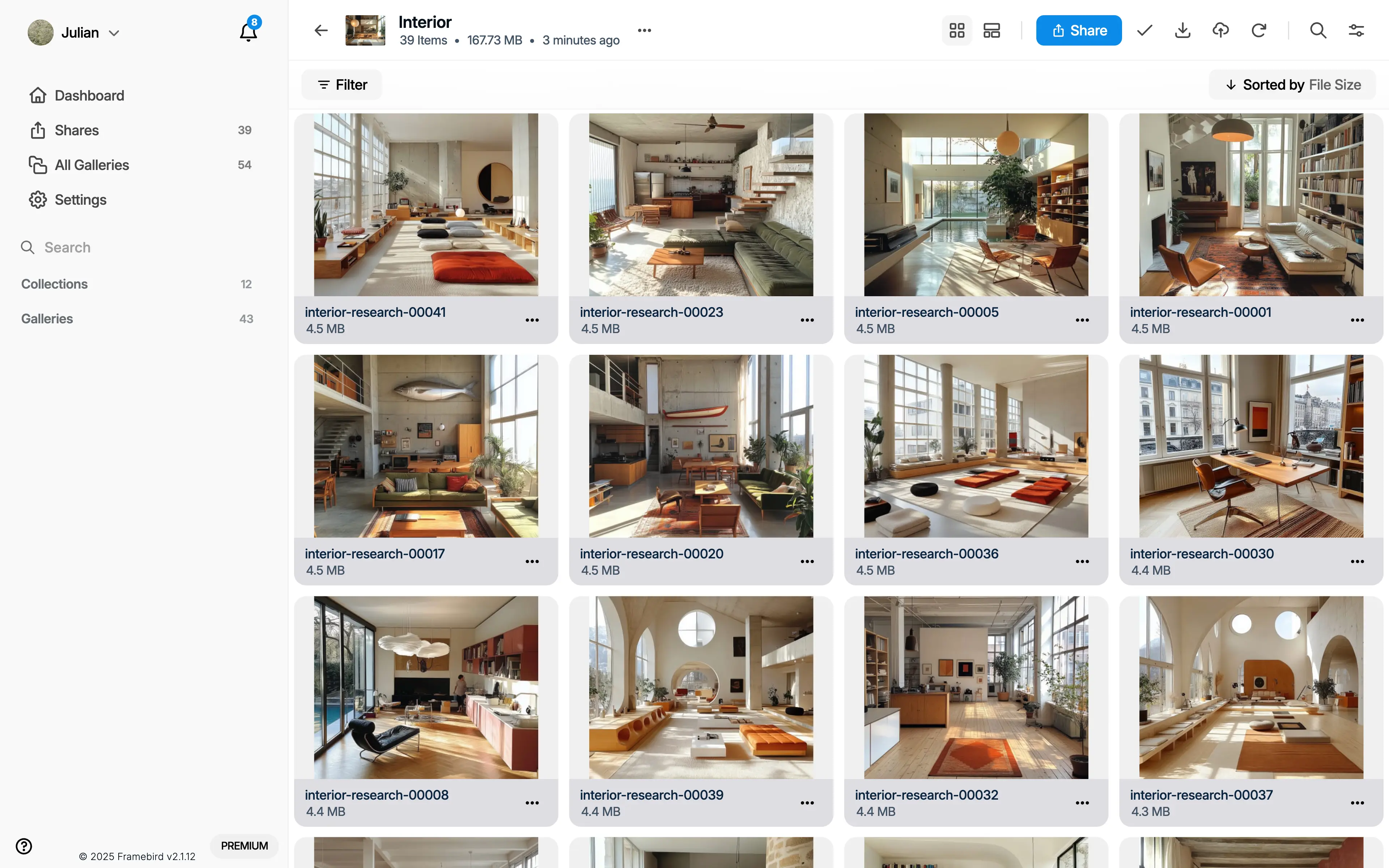
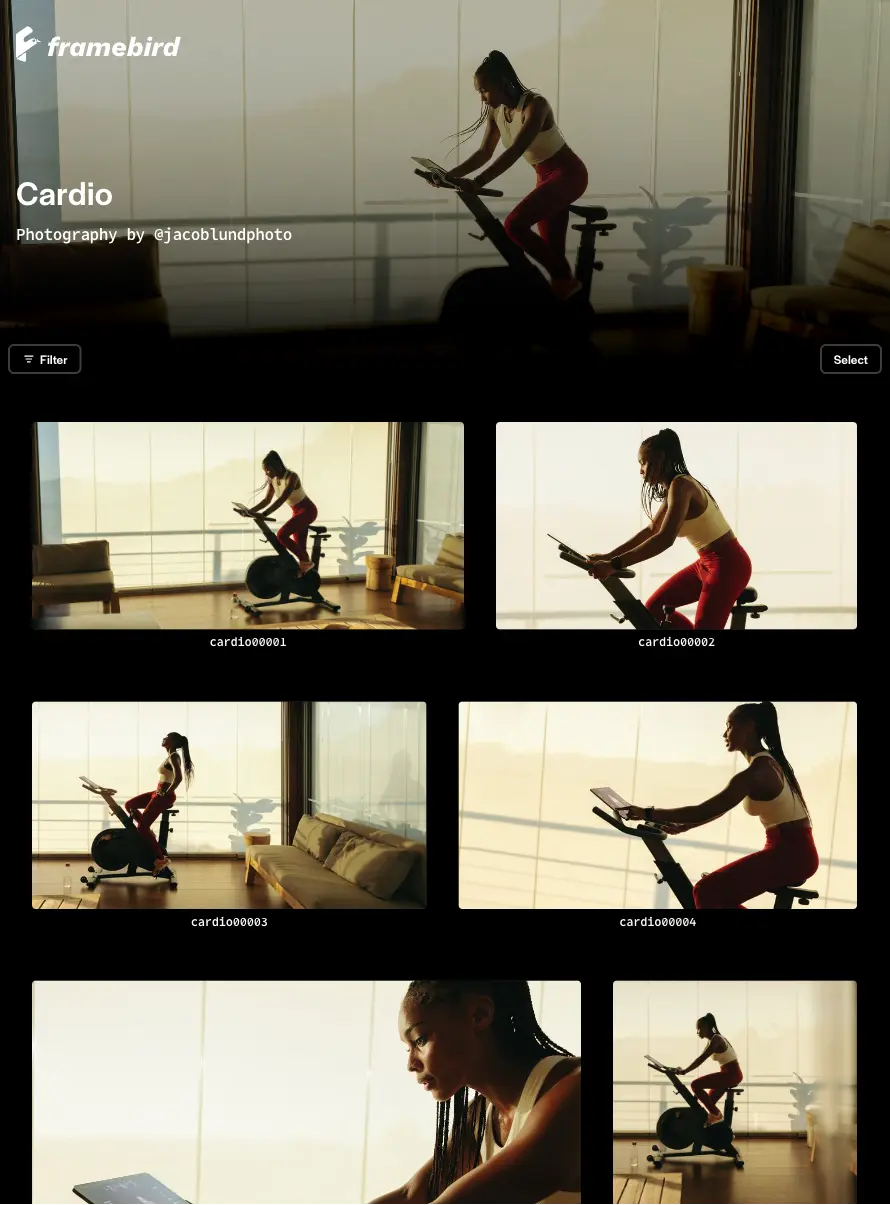
Use the Framebird Desktop App as the local starting point for client work: upload files, keep Media organized, and move from folder to Share with less manual transfer work.
Select files and folders from your computer and send them into Framebird without treating every delivery like a separate browser task.
Bring large creative jobs into the same workspace where Galleries, Media, comments, approvals, and delivery already live.
Turn uploaded work into polished Shares that clients can review, comment on, approve, download, or receive as final delivery.
Browser uploaders are useful, but large client deliveries often start on your computer. A desktop companion keeps that local workflow closer to the files.
Start from the folders, drives, and project exports you already use instead of repeatedly opening upload dialogs in a tab.
Move full sets of files into Framebird when a shoot, edit, design review, or delivery contains many assets.
Keep bigger uploads and downloads flowing through a desktop runtime built for creative work, not a browser tab you might close.
Framebird Desktop App is for teams that handle local files all day and still need a clean client-facing review and delivery workflow.
Upload selects, edits, RAW exports, sneak peeks, and final deliveries from the same computer where the job is prepared.
Centralize Media for multiple clients, shoots, and revisions while keeping delivery organized in Galleries and Shares.
Give producers, editors, designers, and clients a shared review space without sending another scattered transfer link.
The desktop app is not just a transfer utility. It feeds the same Framebird workflow your clients use for review, comments, approvals, and final downloads.
Bring files from your computer into organized Galleries so each client project has structure from the start.
Create Shares that present selected Media clearly, with comments and feedback tied to the work being reviewed.
Use Framebird as the path from local file to client approval to final delivery, instead of stitching together separate tools.
Use the desktop app for the mixed creative files that client projects actually contain.
Upload image sets for proofing, selection, download, and delivery.
Move RAW captures and edit-ready source files into your Framebird workflow.
Send video files for client review, feedback, and approval.
Share PDFs for review alongside the rest of a creative project.
Deliver design exports and working files without splitting context across tools.
Generic transfer tools move files. Framebird Desktop App connects local uploads to the client review, approval, and delivery workflow around those files.
| Workflow | Framebird Desktop App | Drive, Dropbox, WeTransfer |
|---|---|---|
| Uploading | Upload local Media into the same place where Galleries and Shares are created. | Upload files into folders or one-off transfer links. |
| Review | Clients review Media in a purpose-built Share with comments and presentation. | Review often happens in separate messages, comments, or email threads. |
| Approvals | Keep feedback and approval close to the selected Media and Gallery. | Approval context can be scattered across links, folders, and chats. |
| Delivery | Turn approved Media into client-ready delivery without leaving the Framebird workflow. | Delivery is mostly file transfer, with limited client workflow around it. |
Short answers for creators comparing a desktop upload workflow with browser-only or generic transfer tools.
Upload local Media faster, create client-ready Shares, and keep review, comments, approvals, and delivery in one workflow.
Supports macOS 10.15+
v2.25.15 ·