Compress AVIF Files
Compress your AVIF images to reduce file size and improve loading times. No registration required, and all conversions are done locally, ensuring your data remains secure and private.
Drop your files here
or click to select files
Compress Images
90%
Drag in your AVIF files
Click the dotted area to choose your AVIF files, or drag and drop them there.
Adjust Compression
Adjust output quality if needed. The default is 90%. Lower quality can reduce detail in JPG, WebP and AVIF images. For PNG, this setting changes compression effort without removing image detail.
Download compressed files
Click the 'Download' button to download your converted files. If you converted a folder or multiple files, you will be able to download the entire folder as a zip file.
Compress AVIF images with Framebird when you need smaller files for delivery or websites. Your selected image is processed locally in your browser and is not sent to Framebird servers. No account is needed. JPEG, WebP and AVIF output may lose some detail, while PNG output is lossless for decoded pixels. Compare the output size and adjust quality. AVIF is already efficient, so smaller output isn't guaranteed.
What is the AVIF file type?
AVIF is a modern image format that delivers excellent image quality while keeping file sizes remarkably small. It offers superior compression compared to JPEG and PNG files, helping websites load faster. AVIF supports both lossy and lossless compression, preserves image details well, and handles transparency. Major browsers like Chrome and Firefox support this format, making it an increasingly popular choice for web images.
Faster web pages and apps
Smaller image files take up less storage space and use less data when they are sent or downloaded, which can help pages load faster. How much you save depends on the image and the settings you choose. Lossy compression can add visible artifacts, so compare the downloaded result with the original before using it.
Image files scrubbed clean
When Framebird converts or compresses an image, it builds a new file from the decoded pixels and does not copy the source metadata. This can remove camera details and GPS tags, but it does not guarantee that all identifying information is gone. What the image shows can still identify people or places. Keep the original if its metadata matters.

Share your AVIF files
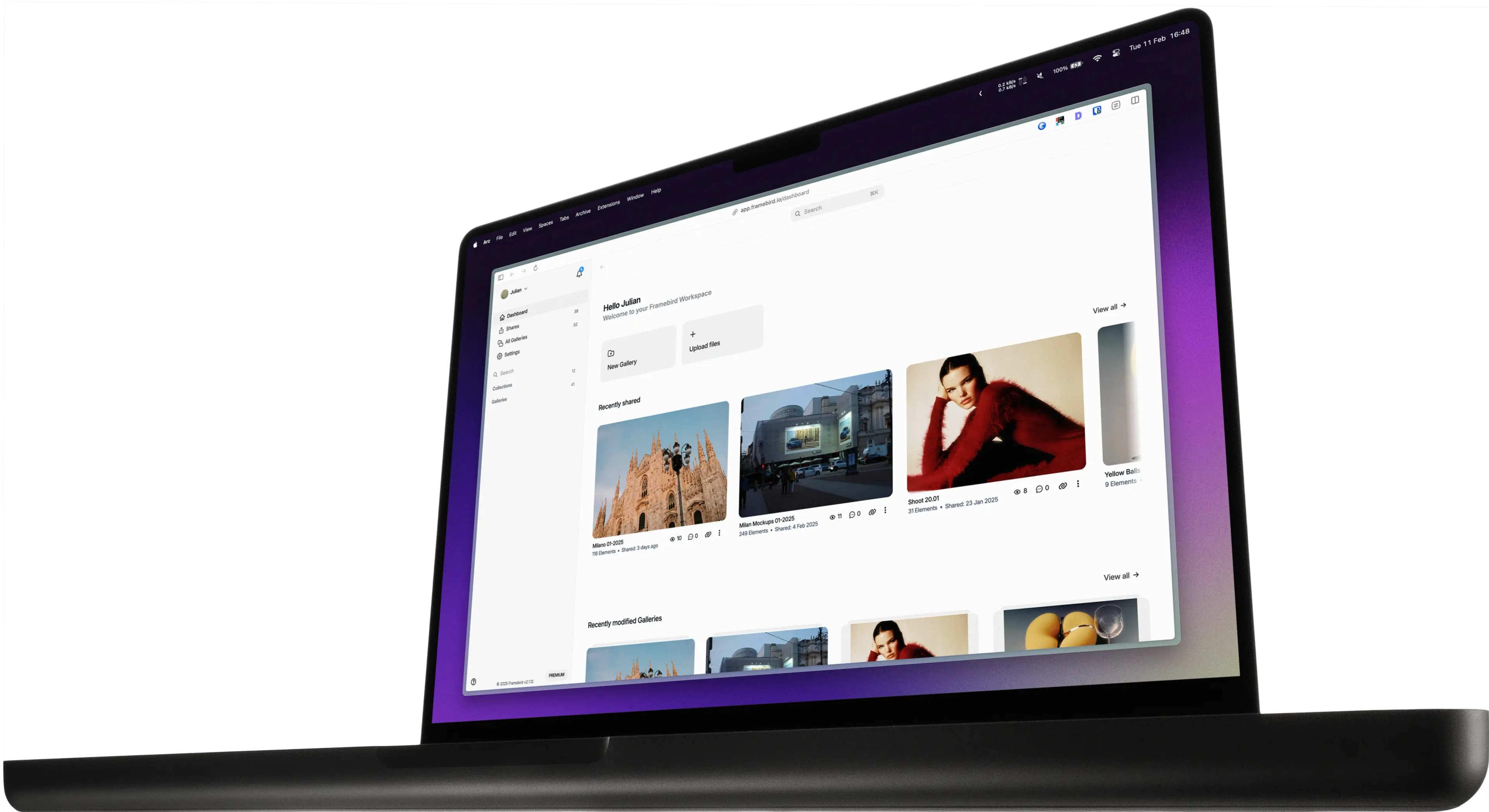
The compressor is a free browser tool. To organize Media in Galleries and share them with clients, create a free Framebird account with 2 GB of storage, then add your files to your first Gallery.
Start for free