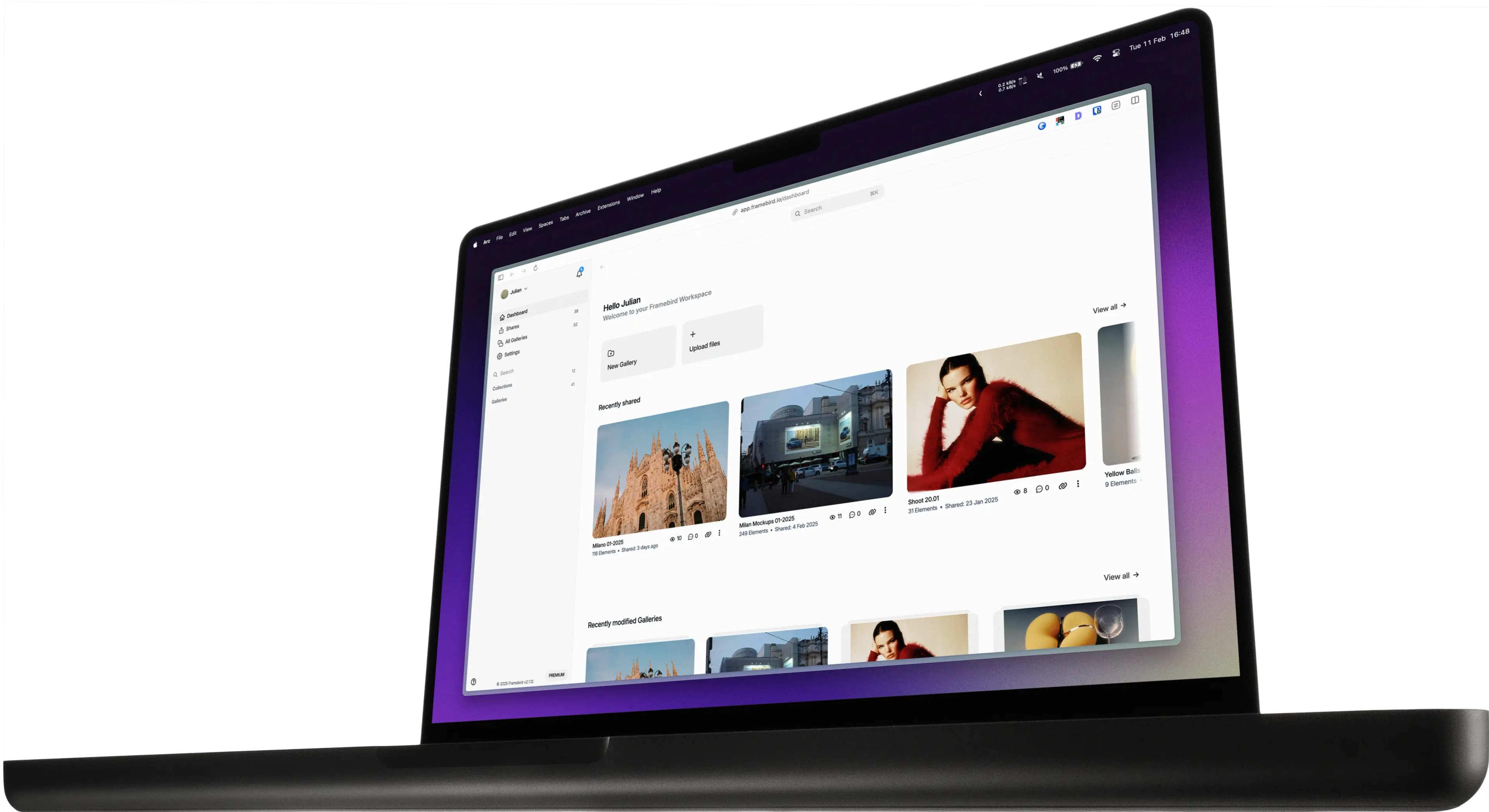
Client galleries for secure sharing, review, and delivery
Send photos and videos in one Share. Add a password, collect selections and feedback, and let clients download when the work is ready.
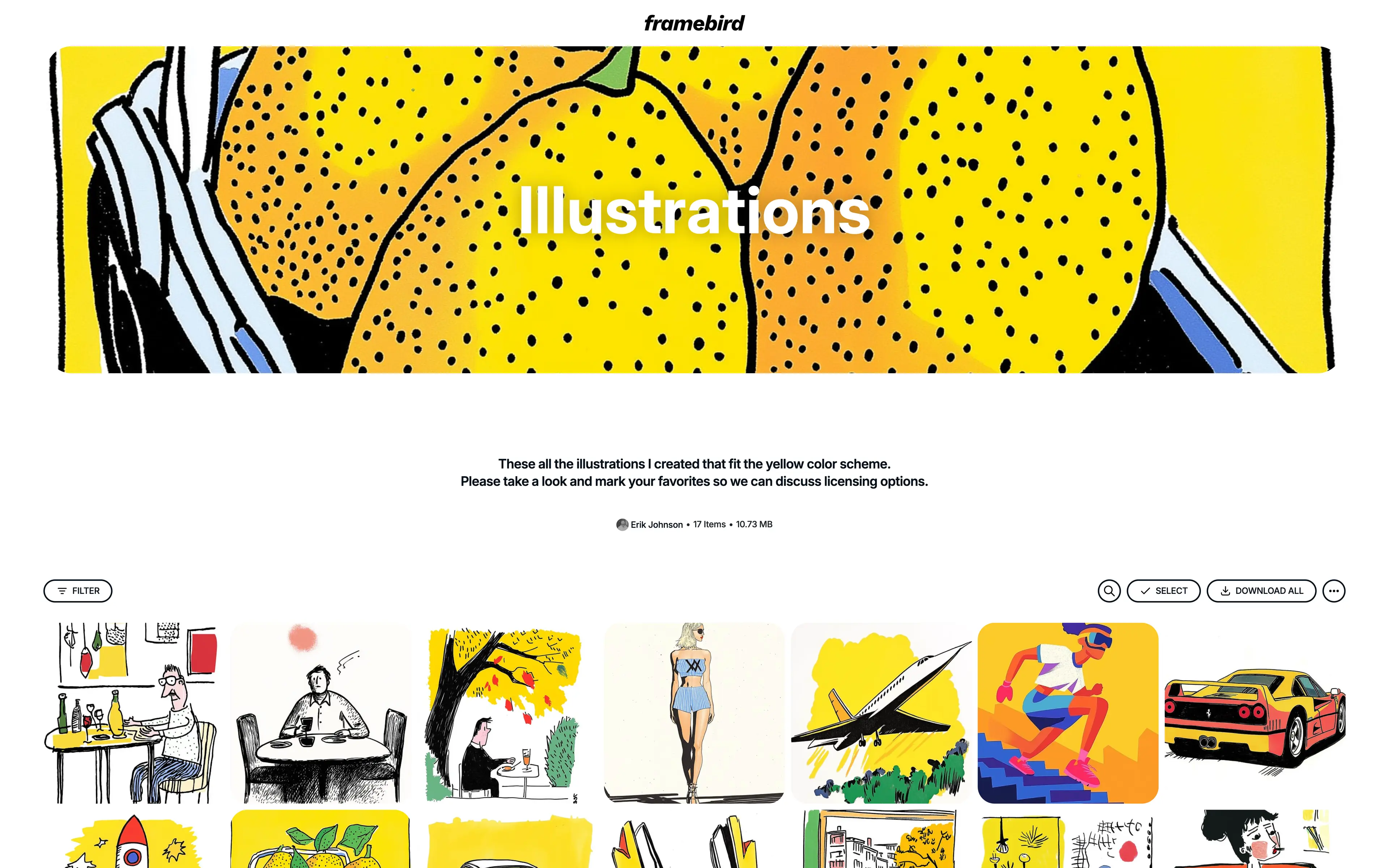

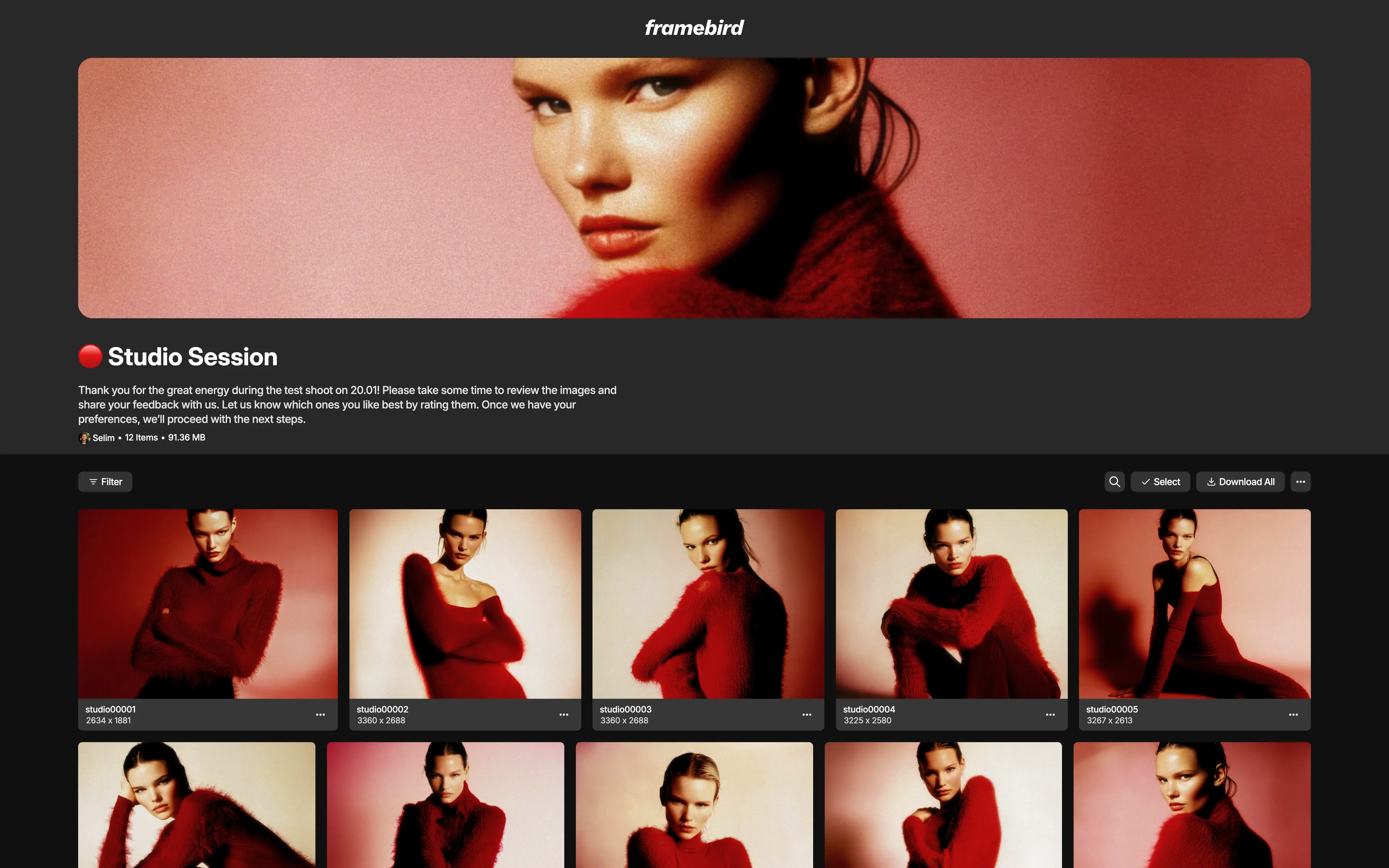
An online client gallery for photos and videos
Everything you need to deliver, review, and finalize work with less back and forth.
Photos and videos, together
Deliver mixed Media without splitting workflows.
Galleries and Sub-Galleries
Keep every delivery structured so clients stay oriented.
Selections that stay clear
Clients can approve or decline Media so you know what to export.
Comments and annotations
Collect precise feedback on the exact Media.
Download controls
Enable downloads and choose the maximum resolution. Ask clients to use Download rather than saving the browser preview.
Your studio's branding
Use your logo and a design preset with your colors, fonts, and layout. Branding options depend on your plan.
Delivery vs file links
File links
- Delivery only, feedback lives in email threads and screenshots.
- No clear way to track selections and approvals per Media.
- Clients often download everything just to review.
Client Galleries (Framebird)
- Organize Media in Galleries and Sub-Galleries.
- Collect selections, comments, and approvals next to the exact Media.
- Control downloads per Share without changing how you deliver.
Use cases
Built for photographers, studios, and creative teams delivering photos and videos.
Wedding delivery and selects
- Use Sub-Galleries per day, location, or session.
- Collect approvals for a clean export list.
Commercial and retouch rounds
- Keep feedback on the exact Media with annotations.
- Track approvals across stakeholders.
Studio team collaboration
- One Share for clients and internal review.
- Avoid forwarding email threads and screenshots.
Video proofs and revisions
- Deliver photos and videos together.
- Collect feedback in one Share flow.
Security controls for Shares
Set access rules before sending the link. Open the client view on a phone and desktop to check the experience.
- Add a password to the Share when access should be restricted.
- Set an expiry date to close access after delivery.
- Decide whether clients can download and at what resolution.
- Access settings cannot recall files someone has already downloaded.
Start Free, upgrade when you need more
Start with Free. Review the current plans for storage, branding, and review features before choosing the workflow you need.
- Set up Client Galleries fast and send your first Share in minutes.
- When you need more storage, check pricing.
Client gallery FAQ

Send the next review in one clean Share
Create a client Gallery, invite reviewers, and keep selections, comments, approvals, and downloads together.
Start for free