Convert HEIF Files
Convert your HEIF images to format quickly and easily. No registration required, and all conversions are done locally, ensuring your data remains secure and private.
Drag in your HEIF files
Click the dotted area to choose your HEIF files, or drag and drop them there.
Start Converting
Start conversion with the button above. Larger files may take longer to process.
Download your files
Click the 'Download' button to download your converted files. If you converted a folder or multiple files, you will be able to download the entire folder as a zip file.
What is the HEIF file type?
HEIF (High Efficiency Image Format) is a modern image file format that offers superior compression compared to JPEG while maintaining higher image quality. Developed by MPEG, it can store both still images and image sequences. HEIF files typically use the .heif extension and are particularly popular on Apple devices running iOS 11 or later. The format supports features like transparency, 16-bit color, and HDR imaging.
More Conversions

Share your files
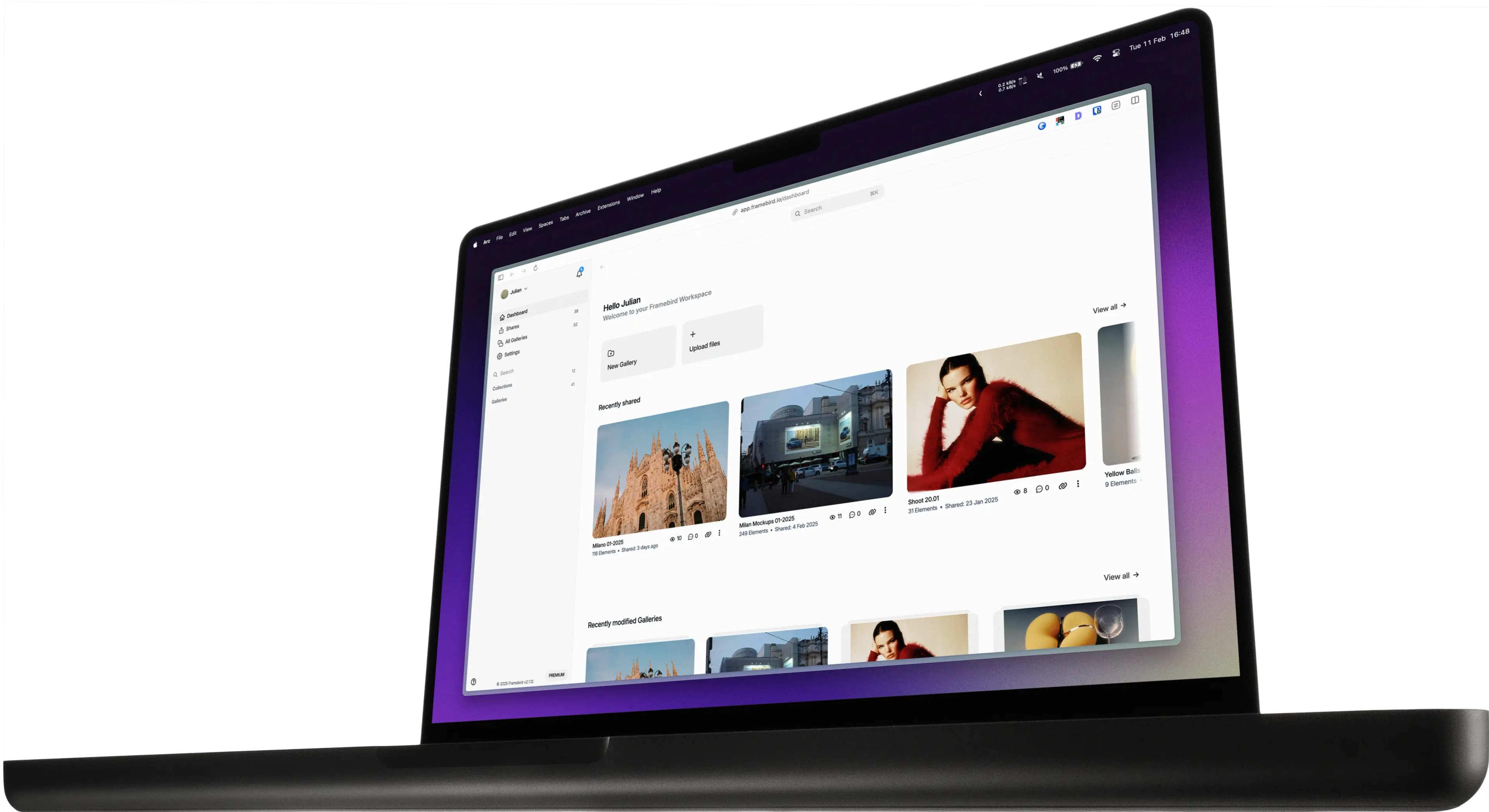
The converter is a free browser tool. To organize Media in Galleries and share them with clients, create a free Framebird account with 2 GB of storage, then upload your converted files to a Gallery.
Start for free