Start with one image
Install the browser extension and sign in. Choose your destination Gallery, then right-click an image and select Save Image to Framebird. A readable original is uploaded as a file. If the source cannot be read, the result may be a screenshot or page preview instead.
Collect several references from one page
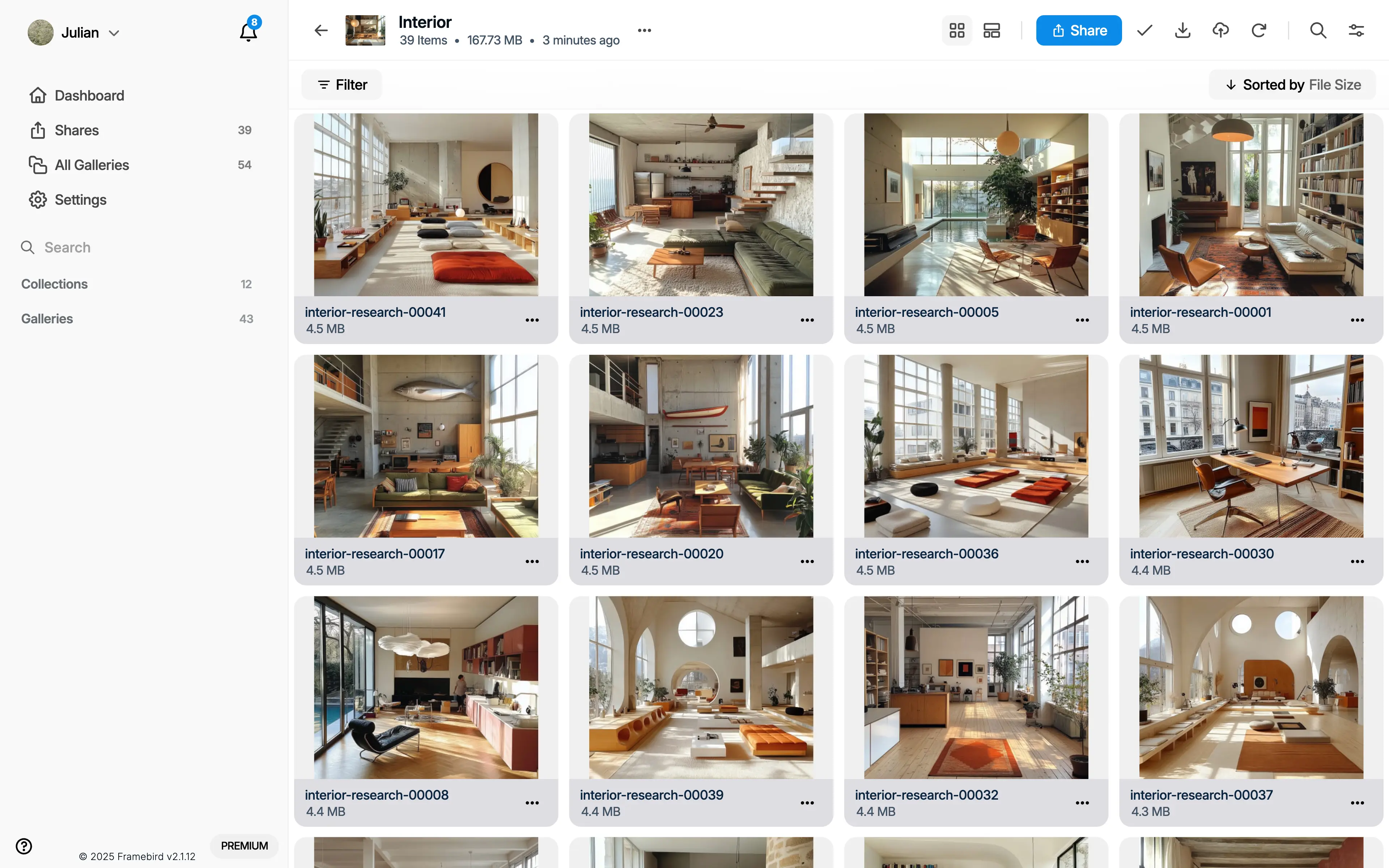
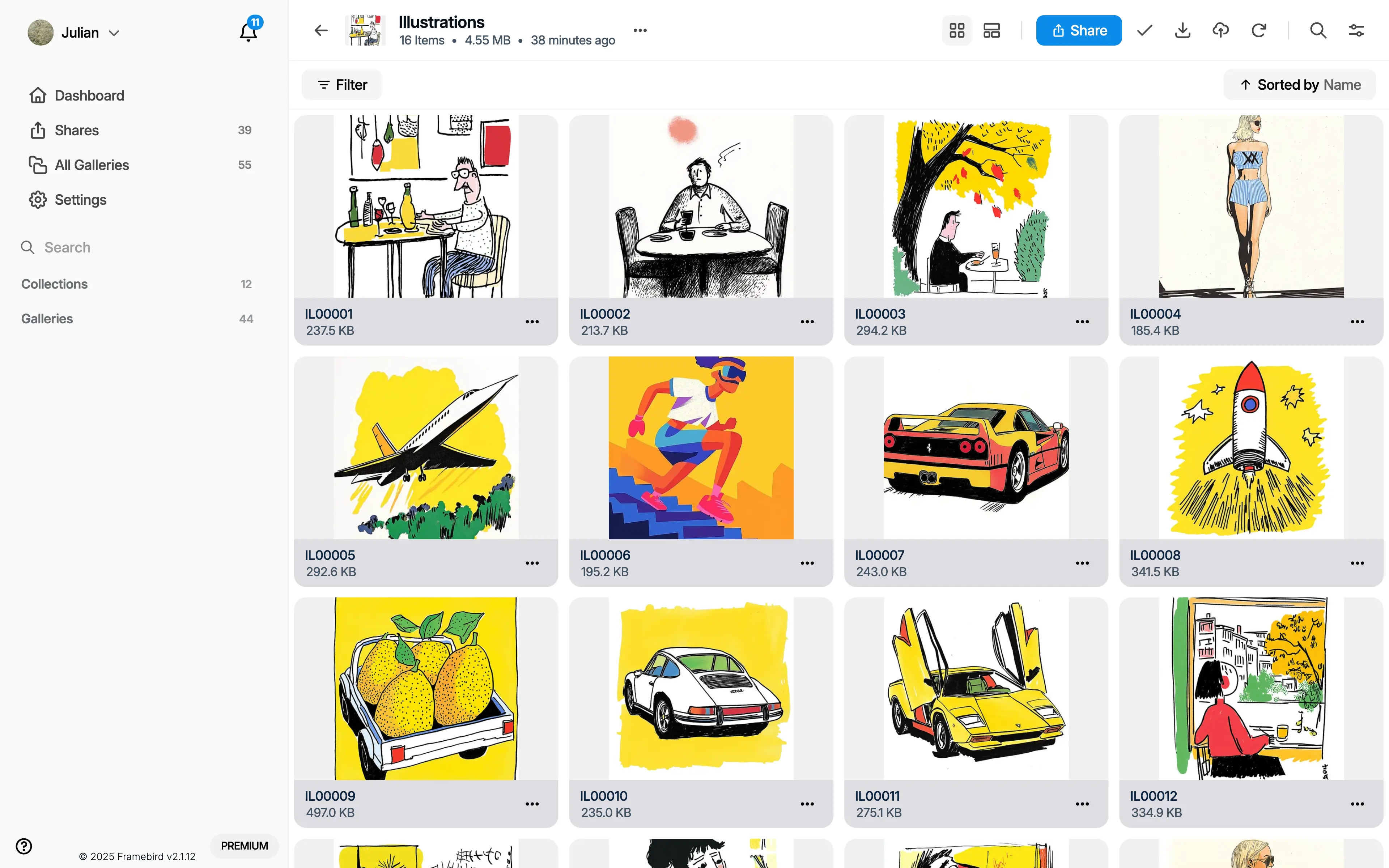
Open the extension and choose Images and videos from page. Select the items you need and save the selection. Scroll the website to load more content, then reopen the picker. It does not download a whole website or an entire social profile.
Find the image when you need it
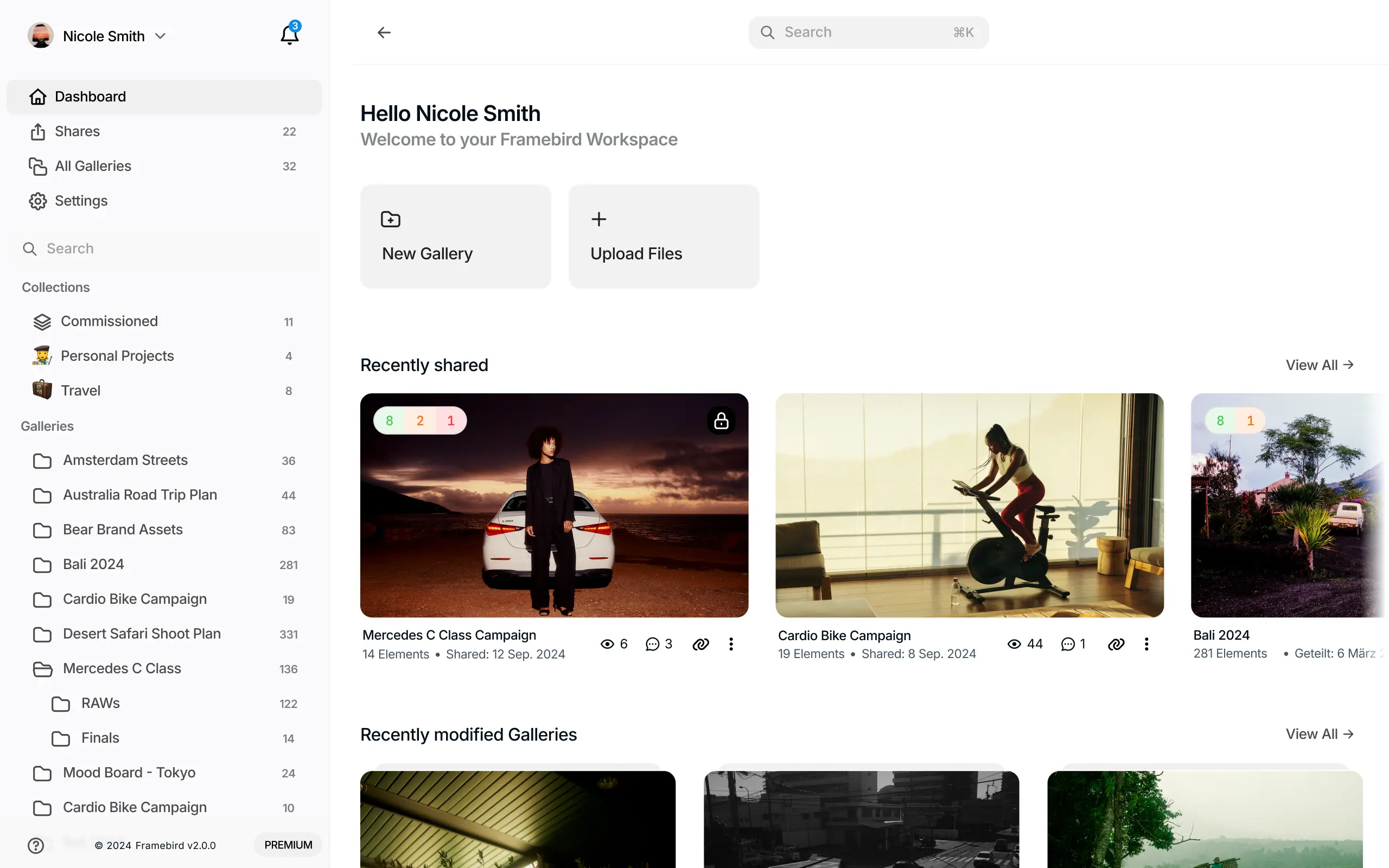
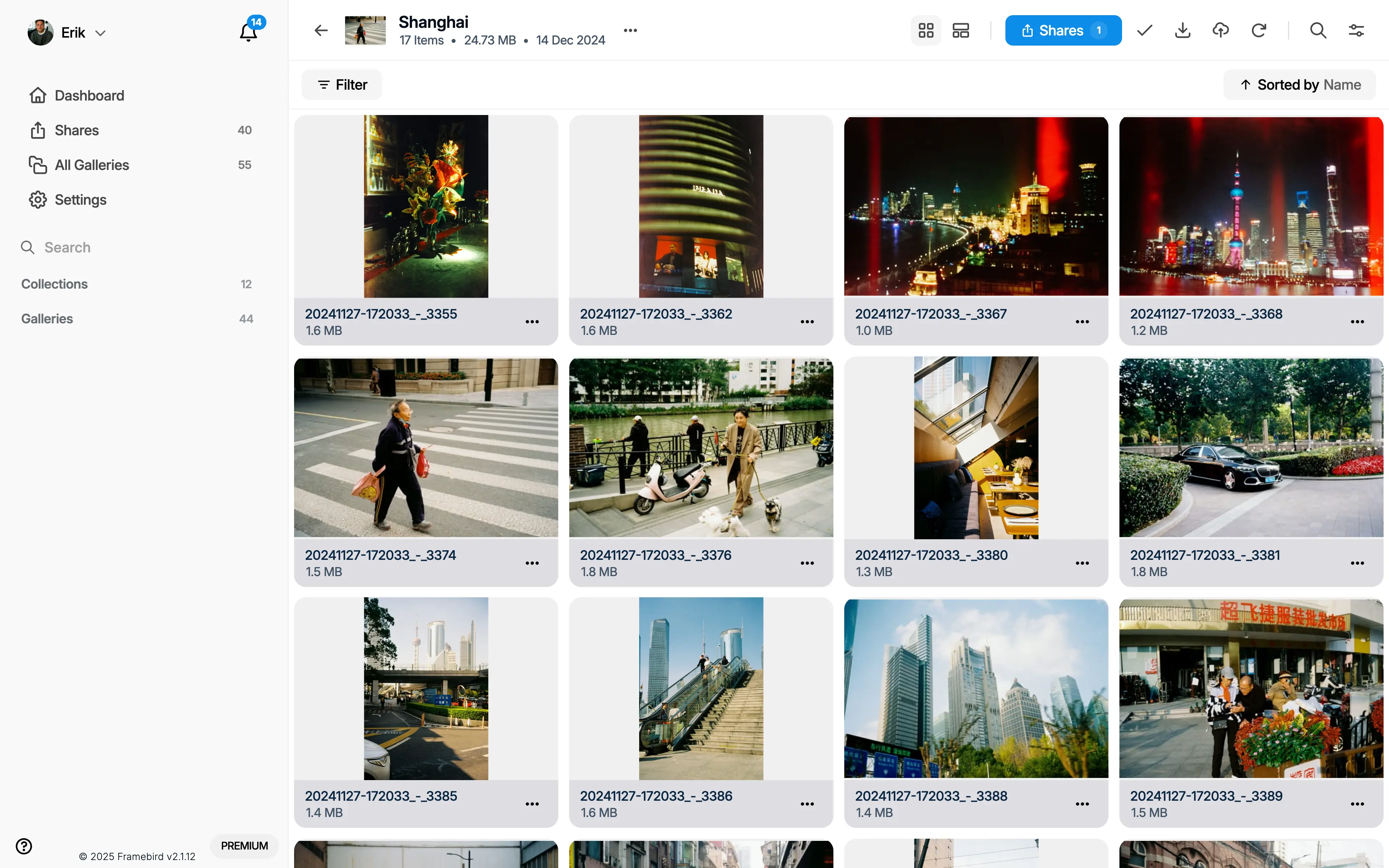
Open Framebird and visit the destination Gallery. Keep references grouped by project, add useful tags or notes, and check the saved source URL to return to the original page. A source link can stop working if its owner removes the page.