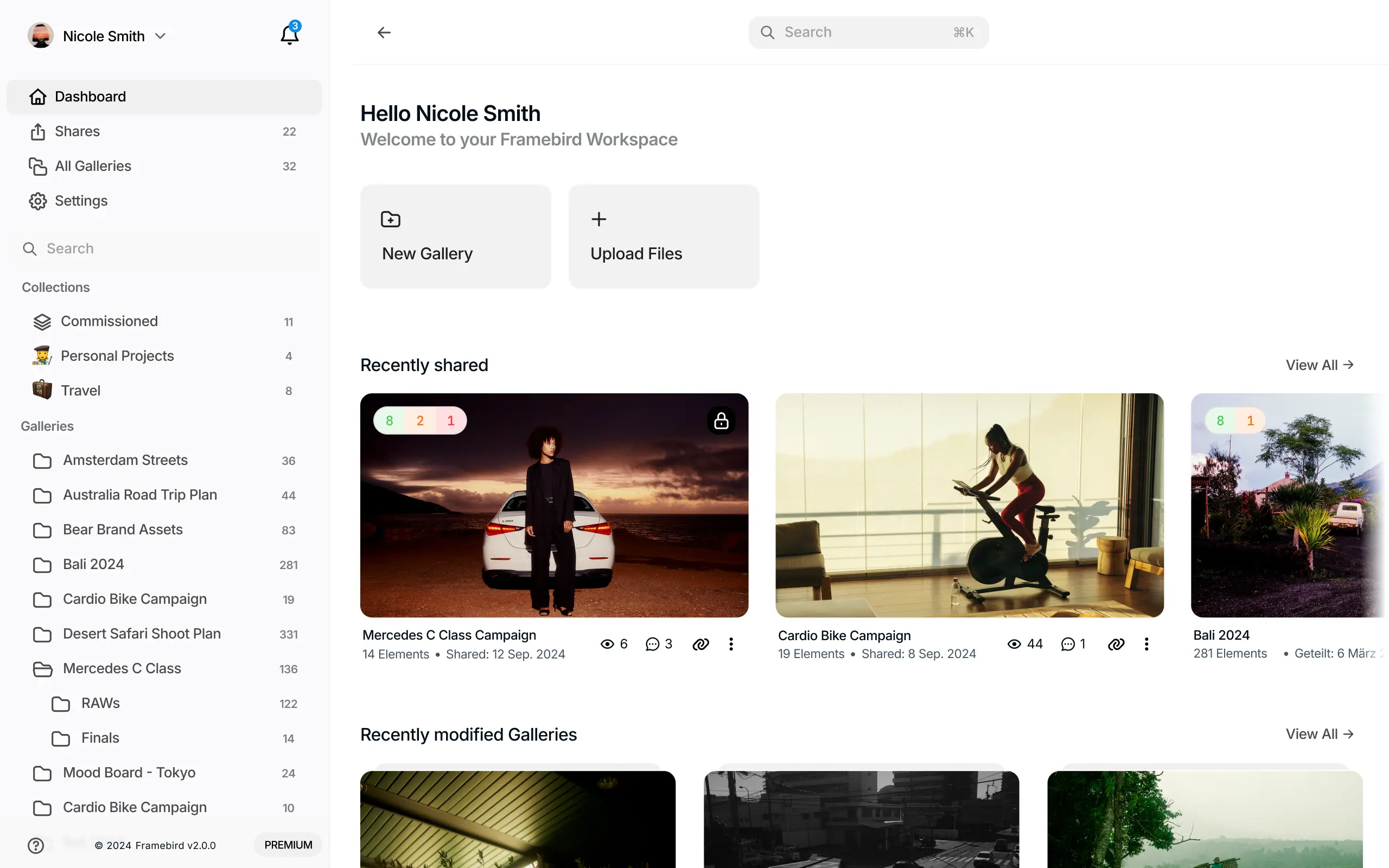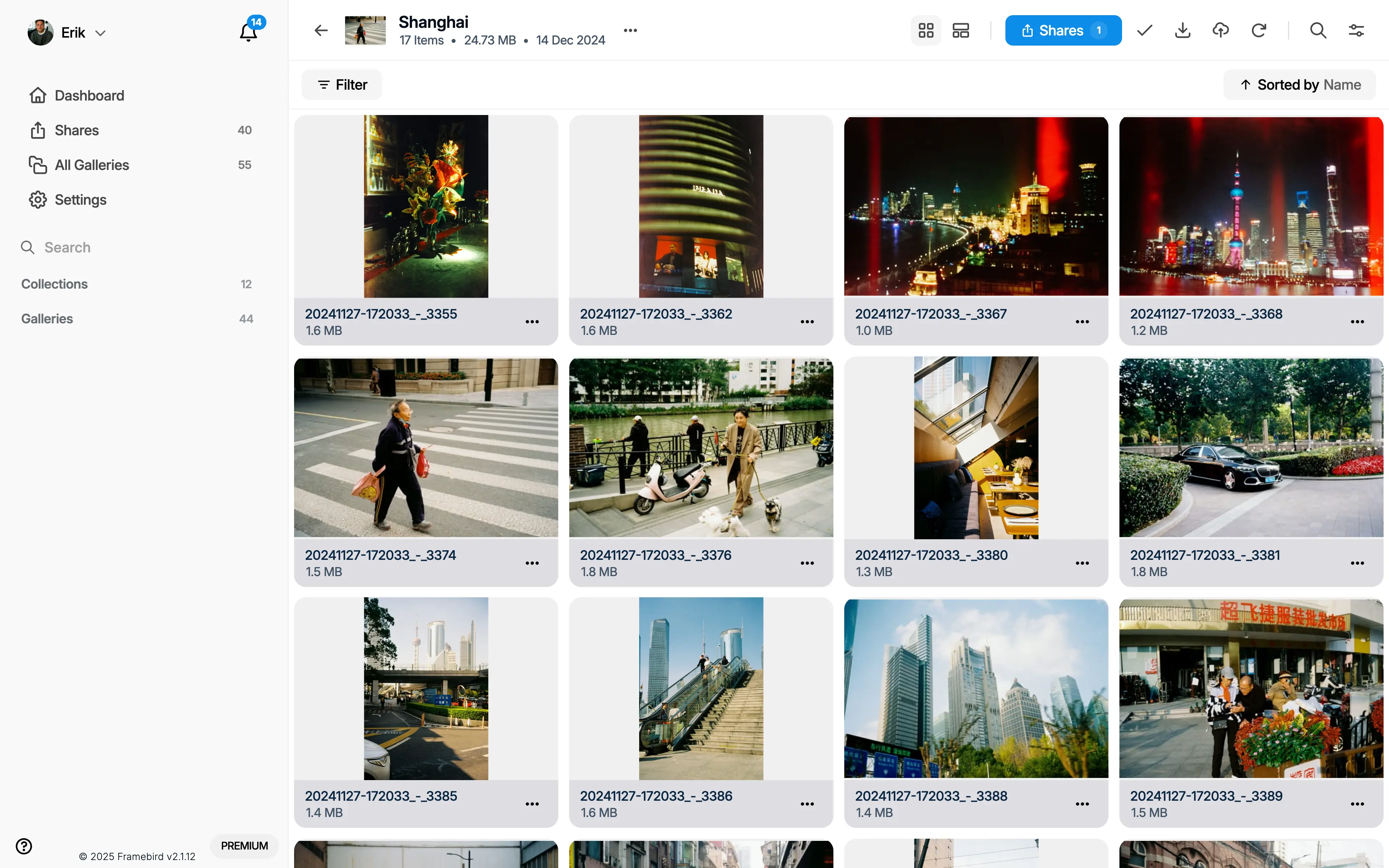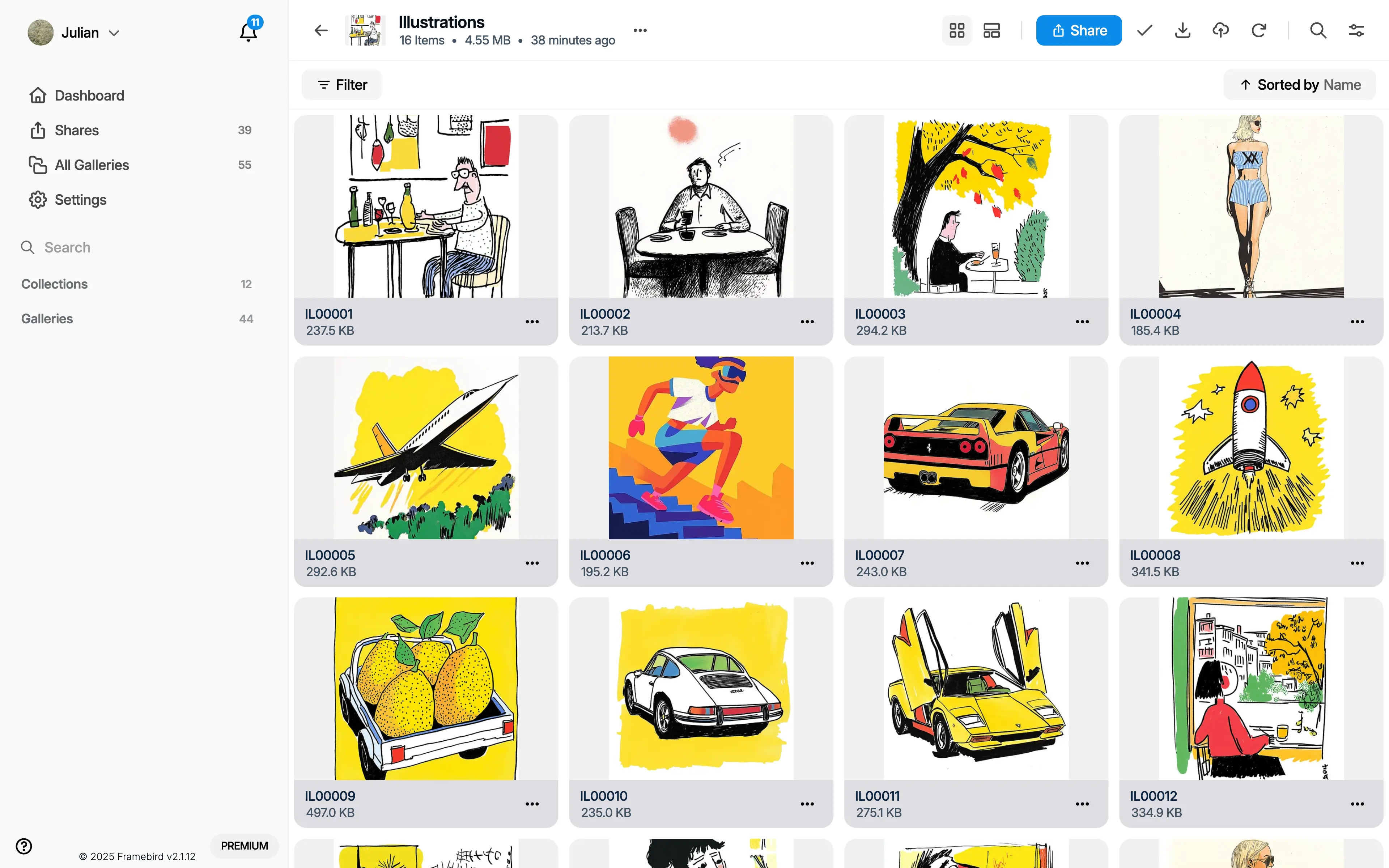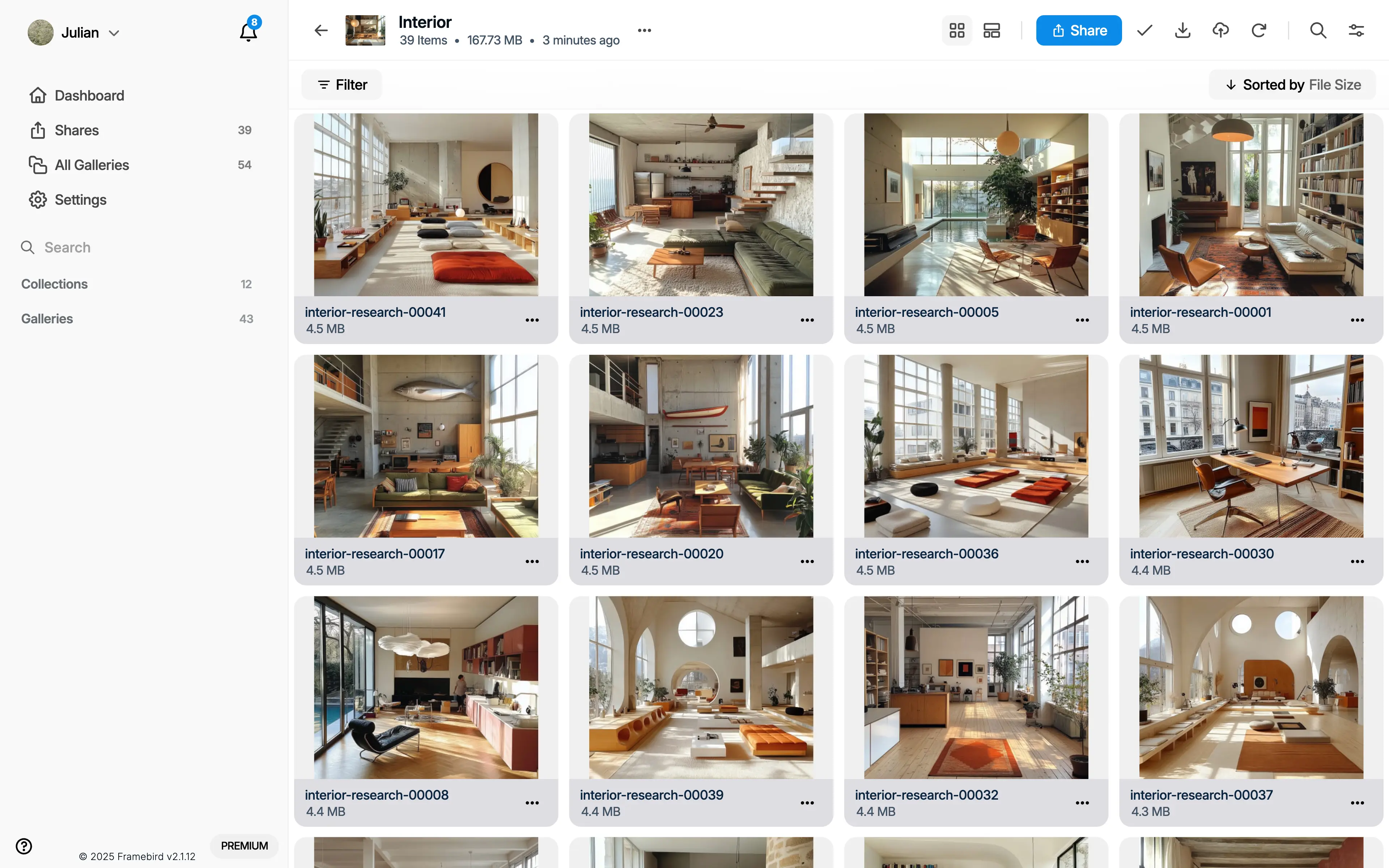
Give each project a Gallery
Create a Gallery for the brief, such as a brand refresh or a photo shoot. Use Sub-Galleries when you need separate directions. Keep Collections for grouping related Galleries, rather than mixing every project into one list of saves.
Keep the reason, not just the reference
Choose the project Gallery in the browser extension before collecting. Save an image for its composition, a page preview for the source, or a screenshot for a layout detail. In Framebird, add tags and private notes explaining what makes each reference useful.
Turn research into a direction
Revisit the Gallery and narrow the selection to references that answer the brief. Create a Share to present the chosen Media and discuss the direction. Review the Share's access settings and the rights to the content before sending its link.