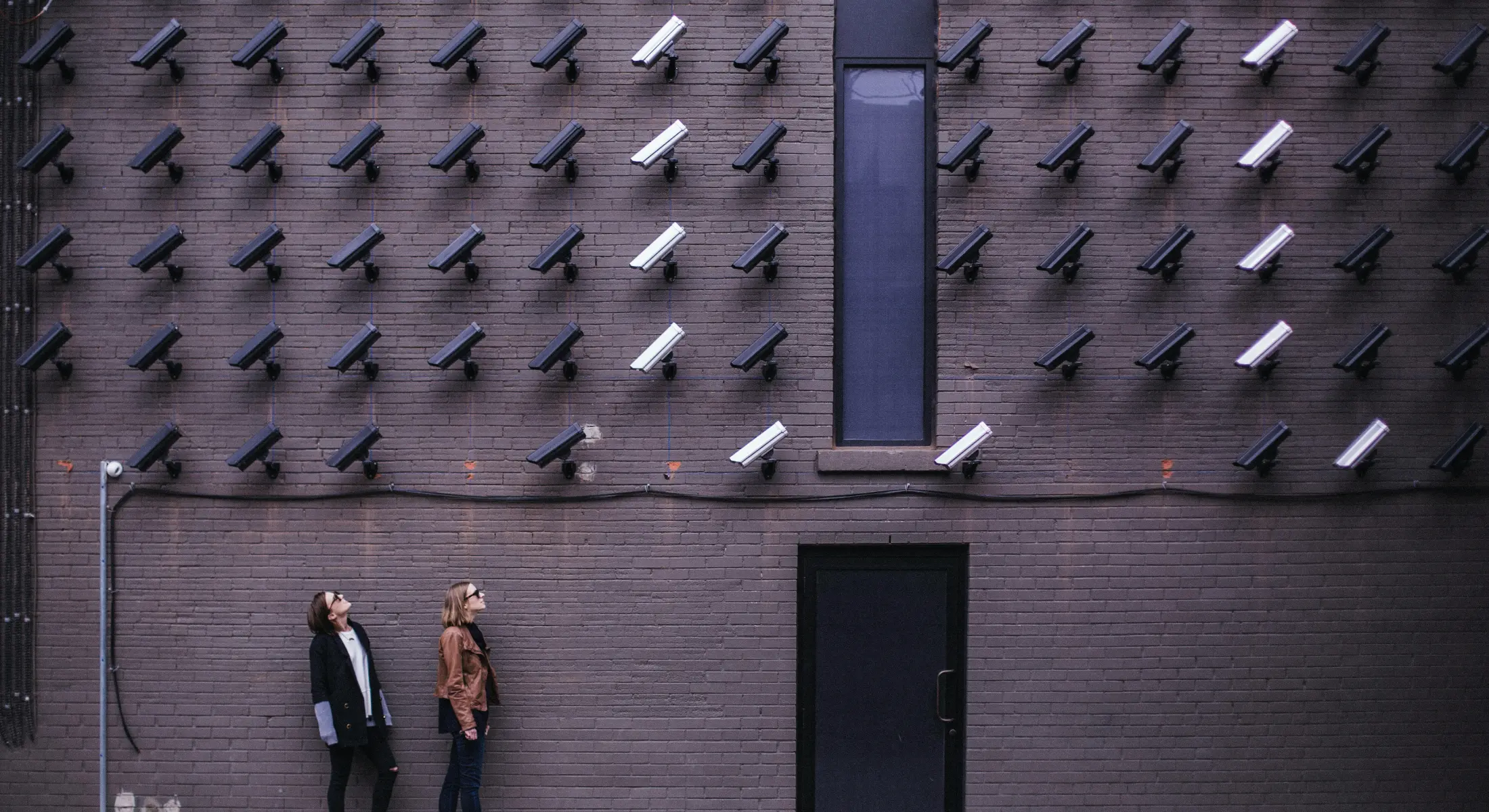
To share photos privately, use a link with access controls instead of a public post. Set a password when the photos are sensitive, check download permissions, and open the link as a visitor before sending it. A private link can still be forwarded, and a recipient can save or screenshot what they see.
Private photo sharing checklist
- Choose exactly which photos to share and check them for visible addresses or other personal details.
- Create a Share for the intended recipients. Add a password and expiry date when appropriate, and send the password through a separate channel.
- Decide whether recipients may download the files and which resolution they need. Check whether location metadata will be visible.
- Open the link in a separate browser session. Test the password, preview, and downloads, and confirm that the expiry date is set.
For client work, Framebird's Share settings include passwords, expiry dates, and download controls. Those settings limit access to the Share; they cannot retract a file someone has already downloaded.
What a private photo link can and cannot do
A private link keeps photos out of a public post and gives you a place to set access rules. Treat the link like an invitation: anyone who receives a working link may be able to forward it. Add a password when you need another access check, and send the password separately. If the service offers named invitations, use them when you need to know exactly who can enter.
Before sharing, check whether viewers can download originals, smaller versions, or nothing at all. Turning off downloads may reduce casual copying, but a viewer can still take a screenshot. An expiry date closes future access; it does not delete copies a recipient saved earlier.
Check the photos and the service
Look at the image itself for names, addresses, screens, or other details you did not mean to share. Photo files can also contain location metadata. Check the service's settings for showing that data, and remove it from the file if it must not travel with a download.
A private or password-protected link does not mean the service keeps no access logs or analytics. If tracking is a concern, read the provider's privacy policy and the settings that apply to visitors. Likewise, a password on a link is not a promise of end-to-end encryption.
For client photos, Framebird Shares offer password protection, an expiry date, download permissions, a maximum download resolution, and controls for showing location metadata. Set these for the specific Share and test the link as a visitor before you send it.
After you send the link
Tell recipients where to download, whether a password is required, and when access will end. If you sent the link to the wrong person, change or disable access in the service and send a new link to the intended recipients. Assume that any files already downloaded may still be in their possession.